Bot Generator Dot
Your dot spots repeat work in Gmail and Slack and drafts the next automation.
von GetKits
Warum es $19 wert ist
Was es dir abnimmt
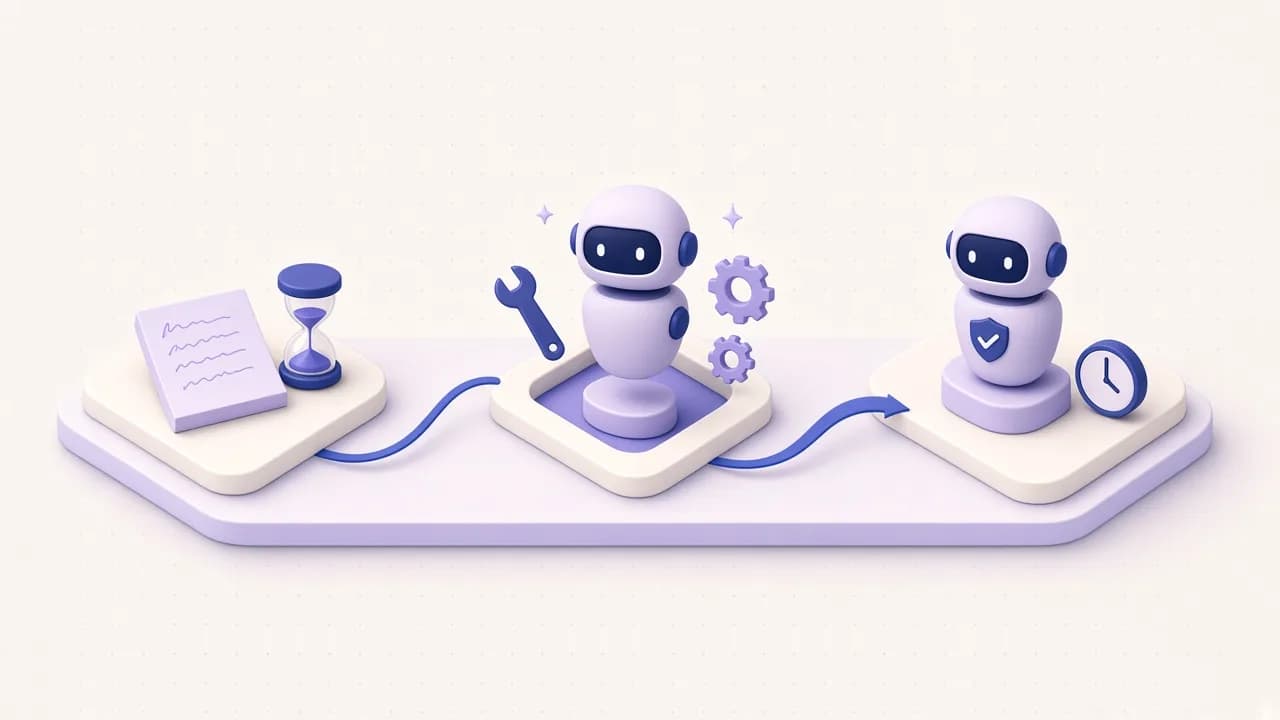
Your dot reads Gmail and your chosen Slack channels for work you redo by hand. Every Friday at 2:00 PM it brings one candidate with counts, dates and minutes saved, and you answer build, skip or later.
Ab dem ersten Tag bereit
- A responsibility and working instructions, ready to paste in 6 steps
- Seven custom rules: reading is free, messaging anyone needs your OK
- Repeat thresholds: 3 times in 14 days, or 30 minutes a week
- A SKILL.md draft and an 8-line trust audit when you say build
- A first-result review with 5 checks, then an 8-week schedule
Was du nicht selbst bauen musst
Deciding what counts as a repeat in mail and Slack, how to estimate minutes saved, and which permission each action gets, so your dot reads freely, never quotes your mail, and never sends or installs without you.
Auch Teil des Bot Generator Kit: $39 für alles darin statt $57 einzeln.
Sieh den Unterschied
Your dot finds the onboarding email you keep retyping
Vorher
Last 14 days: 5 "Welcome to Orbit: your first week" emails to new clients, same 6 steps, each edited by hand. "Where's the brand kit?" answered 4 times in #ops. The weekly client health post written by hand twice.
Nachher
Build Onboarding Writer next: a skill that drafts the first-week email for each new client, 30 min/week saved (estimate), drafts only. Client Health Reporter is second (Priority 18). The brand kit question needs a pinned link, not an agent: skipped. Evidence: 5 emails in Sent, Sep 21 to Oct 1. Decision: build | skip | later
Wednesday's quiet update flags an 80-minute candidate
Vorher
Wed Nov 4, 12:00 PM quiet update, scanning since Fri Oct 30, 2:00 PM. Sent: "Recap: Lumen call" (Oct 30), "Recap: Orbit call" (Nov 2), "Recap: Acme call" and "Recap: Fernway call" (Nov 3), "Recap: Northwind call" (Nov 4). Same 4 headings each time (Decisions, Next steps, Owners, Dates), typed by hand. You, Mon Nov 2: "note: call recaps take me 20 min each" Sent: "Invoice #2318 reminder" (Nov 2); earlier #2309 (Oct 22) and #2312 (Oct 27). Backlog: Invoice Reminder, Skipped Oct 16, "moving invoices to a billing tool". Sent: 6 replies to "Your application for Product Designer". Slack #client-success, #ops, #requests: no repeats.
Nachher
Call Recap Writer is worth 80 minutes a week, over the 60-minute bar, so I am messaging you before Friday. NEXT AUTOMATION Job: Call Recap Writer: drafts the recap email after a client call from your notes Evidence: 5 "Recap: ... call" emails in Sent, Oct 30 to Nov 4 (Lumen, Orbit, Acme, Fernway, Northwind), same 4 headings, typed by hand; your note of Nov 2: 20 minutes each Time saved: 80 min/week (20 - 4) x 5, estimate Form: Skill Risk: Low (drafts only; you send from Gmail) First build step: an INTERVIEW from these 5 recaps; I will ask which one you liked best and what must never go in a recap Decision: build | skip | later Backlog changes, no action needed: 1 | Call Recap Writer: drafts the recap email after a client call | 5 in Sent, Oct 30 to Nov 4 | 80 | Skill | Low | 56 | Idea Invoice Reminder stays Skipped: 3 reminders in the last 14 days (Oct 22, Oct 27, Nov 2), the same volume as when you skipped it on Oct 16. I raise it again only if it doubles, or once 8 weeks have passed since the skip. Not added: 6 replies about the Product Designer role. Hiring messages stay with you. Scanned: Gmail inbox and Sent, Oct 30 2:00 PM to Nov 4 12:00 PM; Slack #client-success, #ops, #requests Missing: none Full SCOUT REPORT: Friday, Nov 6, 2:00 PM.
A build decision becomes an audited skill draft
Vorher
build #1. it must never send anything, I send from Gmail. good output = the email I sent Fernway on Sep 30. never include pricing, that's in the contract.
Nachher
INTERVIEW Job: Onboarding Writer: drafts the first-week email for a new client Inputs: client name, start date and plan, pasted by you; the 6 steps from the Sep 30 Fernway email Tools: none; you paste the details and copy the draft Good output: the Sep 30 Fernway shape: greeting, 6 numbered steps with dates, one contact line, under 200 words Never: send; include pricing or contract terms; mention other clients How often: about 2.5 times a week, on request, 15 minutes by hand Open: [confirm: who signs the email] SKILL DRAFT (excerpt) Folder: onboarding-writer/ Files: SKILL.md, assets/first-week-email.md, examples/fernway-sep-30.md name: onboarding-writer description: Drafts the first-week onboarding email for a new client, with up to 6 dated steps and one contact line, under 200 words. Use when you say "onboarding email for <client>", "welcome email for a new client", or paste a new client's start date and plan. Sections: When to use; Inputs (client, start date, plan, contact); Workflow (date each step from the start date, drop steps the plan does not include, sign as [confirm: signer]); Output (EMAIL DRAFT with Subject and Body); Quality checks (every step dated, under 200 words, no pricing); Rules (draft only, no pricing or contract terms, no other client names) TRUST AUDIT Artifact: onboarding-writer (Skill) Specific job: PASS - one email type, one client per run Approval boundaries: PASS - "draft only"; you send from Gmail Missing or stale data: PASS - a missing start date means it asks once, then [confirm] Narrow triggers: PASS - three specific phrases No secrets or private data: PASS - the example uses [client contact], not the real name (fixed on the first pass) Safe retries: PASS - read-only Safe test run: PASS - draft for the fictional client Acme Test, compared with the Sep 30 email Output destination: PASS - one EMAIL DRAFT block Score: 16/16 Verdict: Ship Fixes: 1. Answer [confirm: signer] before the first real use. To install: zip onboarding-writer/ so it has one top-level folder, then Skills > Create > Upload from your computer, and mention @onboarding-writer. Installing is yours.
A broken Slack connection is reported, not papered over
Vorher
Friday Oct 16, 2:00 PM check-in. The Slack plugin connection lapsed on Wed Oct 14 at 11:20 AM. Gmail is fine: 4 proposal follow-ups in Sent this week, each written by hand 3 days after the proposal. Your note: about 9 minutes each.
Nachher
SCOUT REPORT, week of Oct 12, 2026 Scanned: Gmail inbox and Sent, Oct 9 to Oct 16 Missing: Slack could not be read since Wed Oct 14, 11:20 AM. #client-success, #ops and #requests were not scanned. Slack evidence below is from the Oct 9 report and is not counted again. AUTOMATION BACKLOG # | Job | Evidence | Min/week | Form | Risk | Priority | Status 1 | Onboarding Writer | built Oct 2 | 30 | Skill | Low | 21 | Built 2 | Proposal Follow-up: drafts the follow-up 3 days after a proposal | 4 in Sent, Oct 12 to Oct 15, same 3 paragraphs | 28 | Skill | Low | 20 | Idea 3 | Client Health Reporter | Slack only, not rescanned this week | 36 | Grok Bot | High | 18 | Idea NEXT AUTOMATION Job: Proposal Follow-up: drafts the follow-up 3 days after you send a proposal Evidence: 4 follow-ups in Sent, Oct 12 to Oct 15, same 3 paragraphs Time saved: 28 min/week (9 - 2) x 4, estimate Form: Skill Risk: Low (drafts only) First build step: an INTERVIEW from the 4 follow-ups; I will ask what must never be promised in them Decision: build | skip | later Needed from you: reconnect Slack, then say "rescan Oct 14 to 16".
Das steckt drin
Jede Datei, die du bekommst, mit Inhalt und Umfang. Die Dateien sind auf Englisch.
- Bot Generator Dot: ChatGPT dot setup
This pack gives your ChatGPT dot one new ongoing job: automation scout.
- Before you start
- Step 1: Connect apps
- Step 2: Give your dot the responsibility
- Step 3: Add working instructions
- Step 4: Add custom rules
- Step 5: Schedule check-ins
- Step 6: Review the first result
- Everyday prompts
- Troubleshooting
Über dieses Kit
Give your ChatGPT dot the ongoing job of automation scout. It reads your Gmail and a few Slack channels, notices work you repeat by hand, keeps a ranked automation backlog with estimated time saved, and every Friday brings you one candidate with a build-or-skip decision. Say build and it drafts the skill and audits it. Setup takes about 12 minutes, and the first scout report covers the last 14 days.
What you get
- A responsibility block to paste: the sources (Gmail inbox and Sent, the Slack channels you name, your own "note:" lines), the backlog it keeps current, the thresholds that deserve your attention (3 repeats in 14 days, or 30 minutes a week), and where updates go.
- Working instructions that define what counts as a repeat in mail and in Slack, a minutes table for estimates, the priority formula, the form rules (Skill, Grok Bot, dot or "just pin the answer"), and privacy rules: subject lines and counts, never message bodies.
- Exact output formats: SCOUT REPORT, AUTOMATION BACKLOG and NEXT AUTOMATION, plus INTERVIEW, SKILL DRAFT and an 8-line TRUST AUDIT for when you say build.
- Seven custom rules, each mapped to one of the four choices. Reading is Take action without asking. Drafting is Take action when you say so. Messaging anyone is Ask before taking action. Installing skills or plugins and sharing anything outside your account are Hand off to you.
- A check-in schedule: a Friday 2:00 PM report and a quiet Wednesday update, with a time zone and an 8-week end date.
- A first-result review: five checks to run on the first report before you let it run on its own, and a sample correction message.
INTERVIEW, SKILL DRAFT and TRUST AUDIT match the Bot Generator Skill, and INTERVIEW, NEXT AUTOMATION and TRUST AUDIT match the Bot Generator Bot, so a Grok Bot candidate moves to your Bot Generator Bot as one pasted INTERVIEW block.
Who it is for
- ChatGPT Pro or Business Premium users, or Enterprise users with dots turned on, whose repeat work is buried in their inbox and Slack.
- People who know they "should automate something" but cannot say what, or which job comes first.
- Anyone who wants an agent reading their mail with strict, visible limits on what it may do.
What it will not do
- It will not send email, post in Slack, react, archive, label or delete anything.
- It will not install or enable a skill or plugin. It hands you the draft and the upload steps.
- It will not share anything outside your account, or quote your message bodies in its backlog.
- It will not propose automating judgment work such as hiring decisions, reviews, condolences or legal sign-off.
- It will not invent repeats or reuse last week's evidence when Gmail or Slack cannot be read. It says what was missing.
Bewertungen
Noch keine Bewertungen.
Mehr Kits für Bot-Erstellung
Bot Generator Kit
Turn a job you do by hand into a safe, tested AI teammate in under an hour.
Bot Generator Bot
A Grok Bot that designs focused Bots, skills and routines, and asks before it builds.
Bot Generator Skill
Interview a job, pick Skill, Bot or dot, and generate it with a trust audit.